Local export tools for browser work
Export the page you are already viewing into clean files.
SourcePack tools turn visible tables, chats, repositories, transcripts, and QA pages into Markdown, JSON, CSV, or handoff packs after one explicit browser action.
Proof workbench
MV3 · local storage · user export
InputVisible page, table, chat, repo, transcript
CaptureToolbar action runs in the active tab
OutputMarkdown, JSON, CSV, SourcePack
web2csv-export.csv
Name,Price,Owner
Notebook Alpha,12,Research
Marker Set,8,Operations
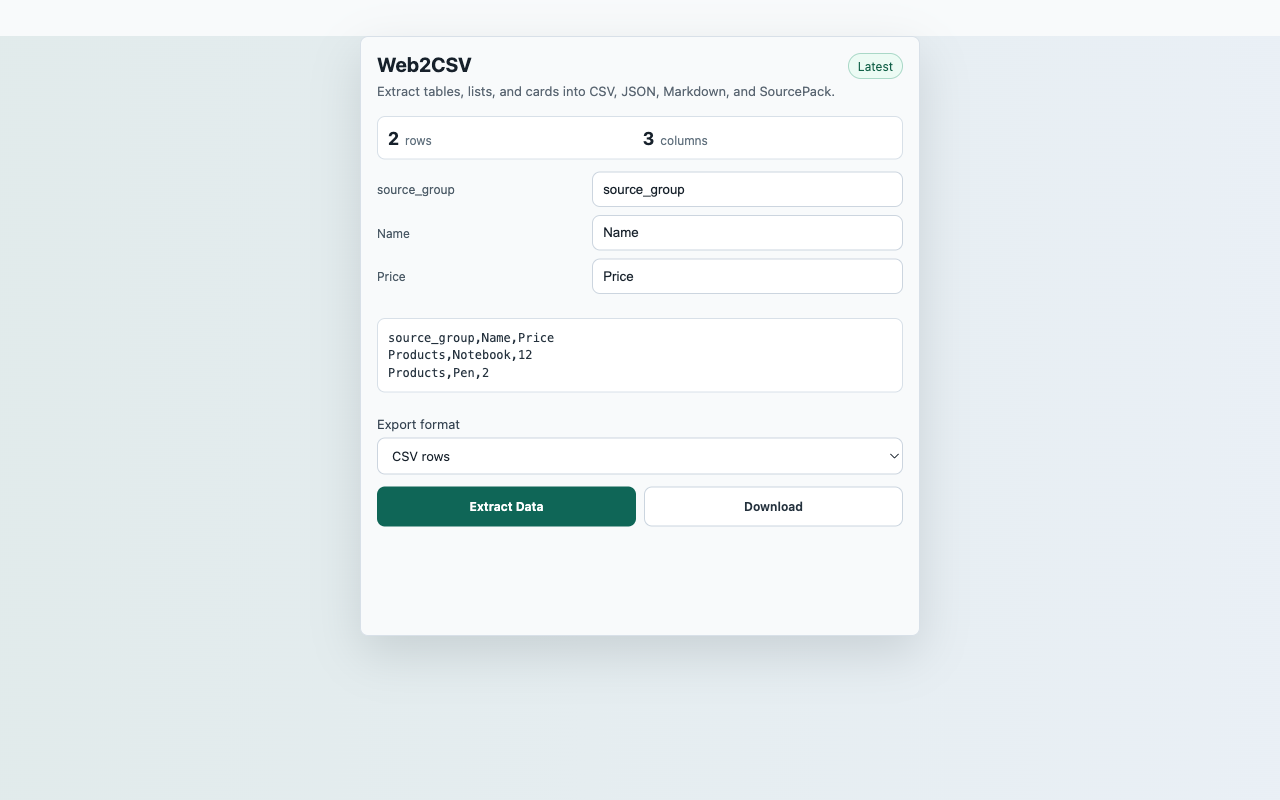
Export receipt
2 rows detected
3 columns mapped
CSV generated by user click
No SourcePack server upload
Tool picker
Pick by the artifact you need to export
Each extension has one narrow capture surface, one explicit user action, and a public reviewer path that proves the local-only boundary.
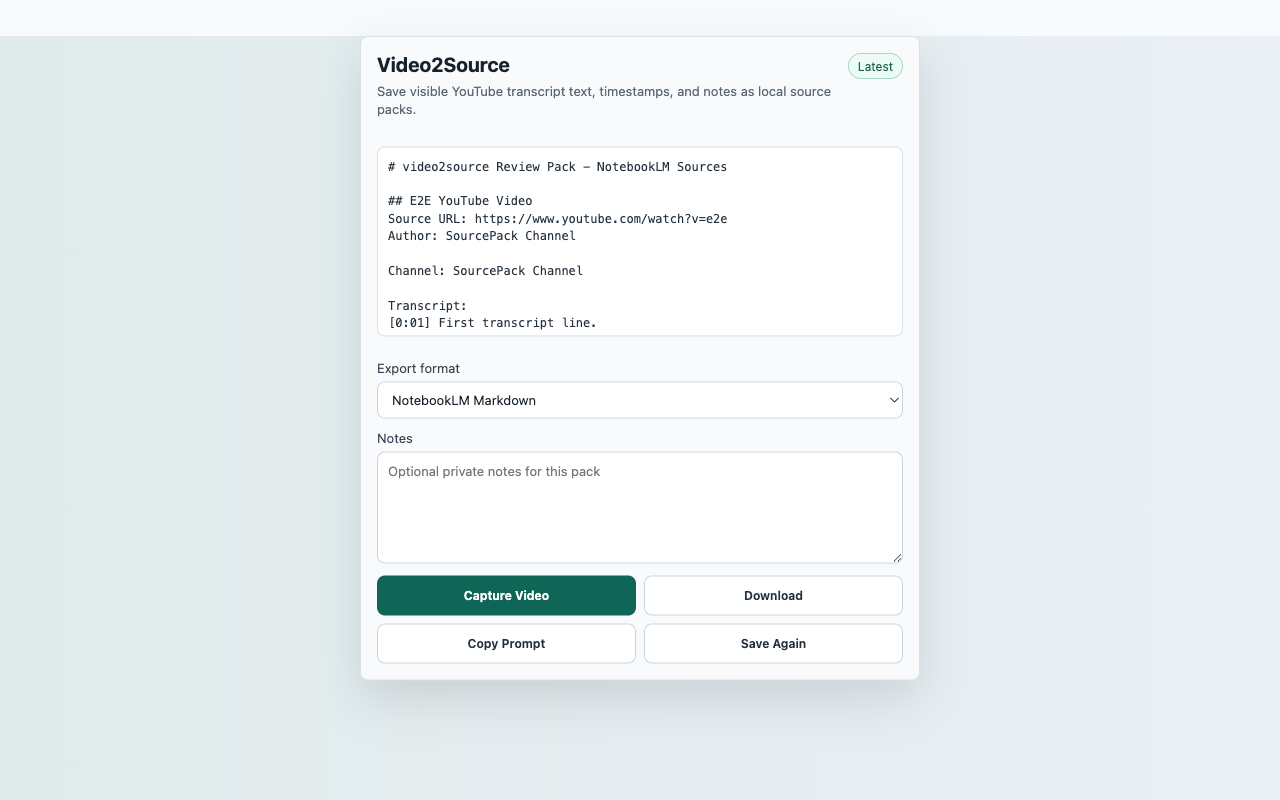 Video2Source
Save visible YouTube transcript text, timestamps, and notes as local source pack files.
Workflow & Planning
Video2Source
Save visible YouTube transcript text, timestamps, and notes as local source pack files.
Workflow & Planning
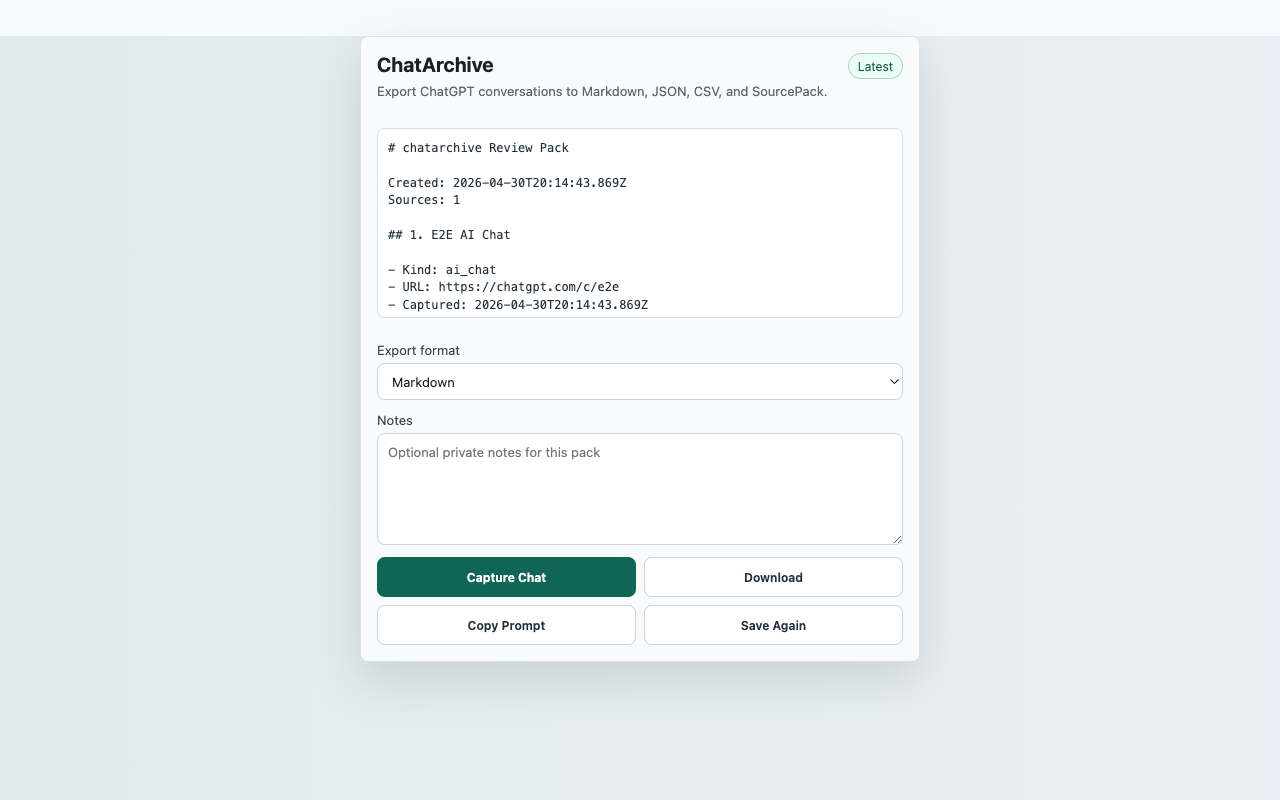 ChatArchive
Export ChatGPT conversations to local Markdown, JSON, CSV, and SourcePack files.
Workflow & Planning
ChatArchive
Export ChatGPT conversations to local Markdown, JSON, CSV, and SourcePack files.
Workflow & Planning
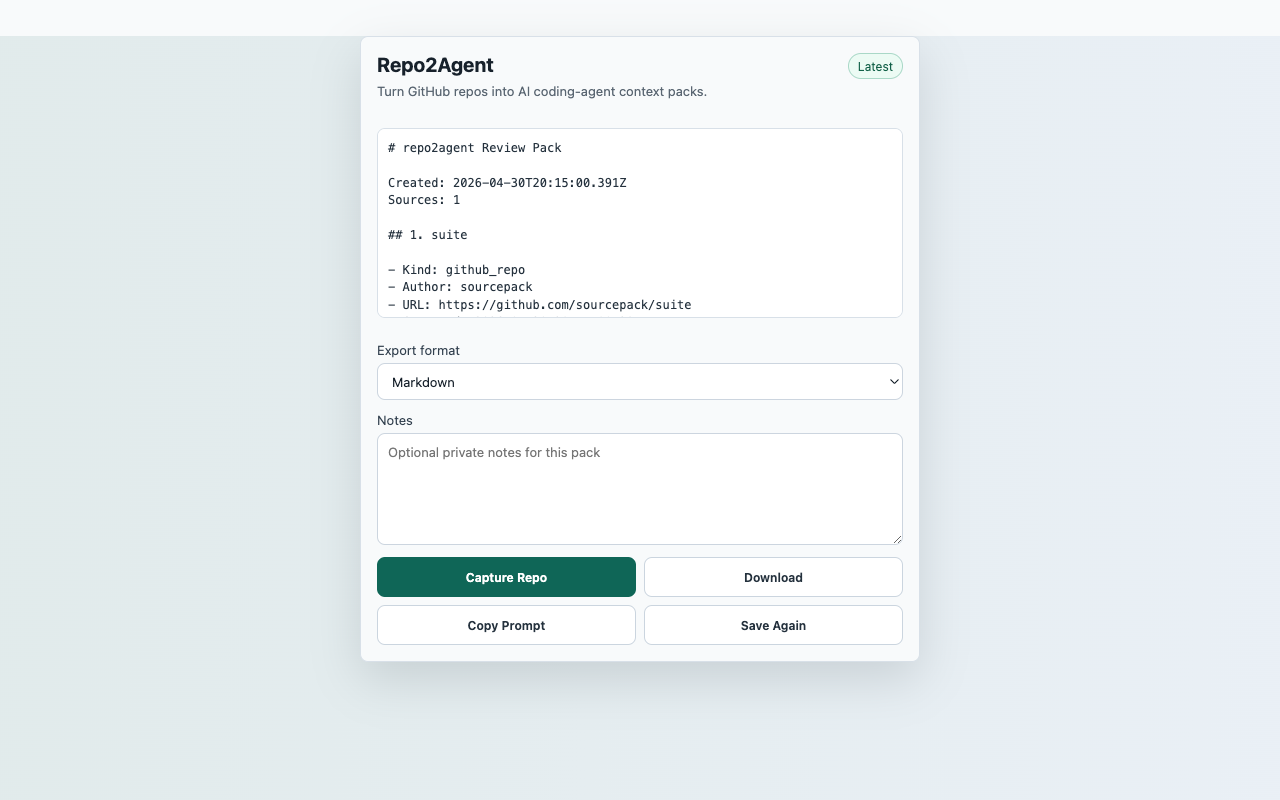 Repo2Agent
Turn a GitHub repository page into an AI coding-agent context pack.
Developer Tools
Web2CSV
Extract tables, lists, and repeated cards into CSV, JSON, Markdown, and SourcePack.
Tools
Repo2Agent
Turn a GitHub repository page into an AI coding-agent context pack.
Developer Tools
Web2CSV
Extract tables, lists, and repeated cards into CSV, JSON, Markdown, and SourcePack.
Tools
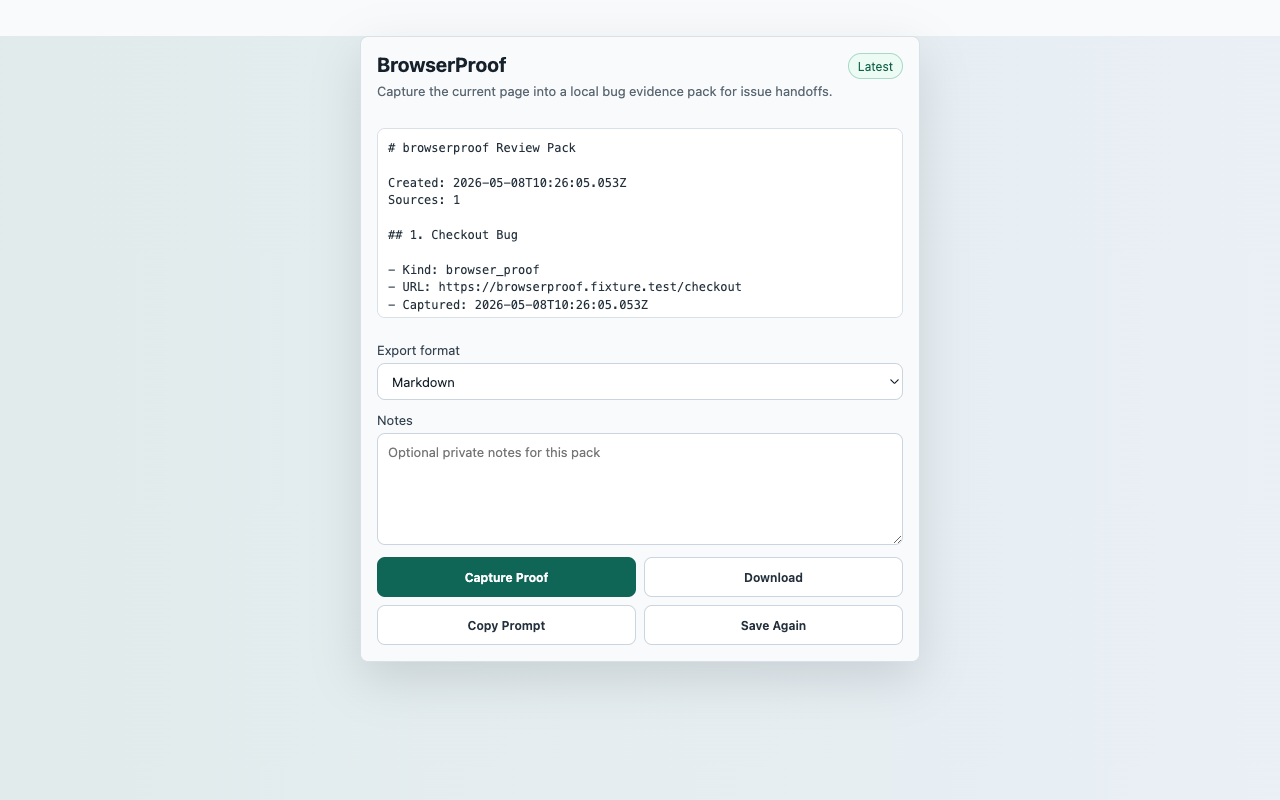 BrowserProof
Capture the current page into a local bug evidence pack for issue handoffs.
Developer Tools
BrowserProof
Capture the current page into a local bug evidence pack for issue handoffs.
Developer Tools
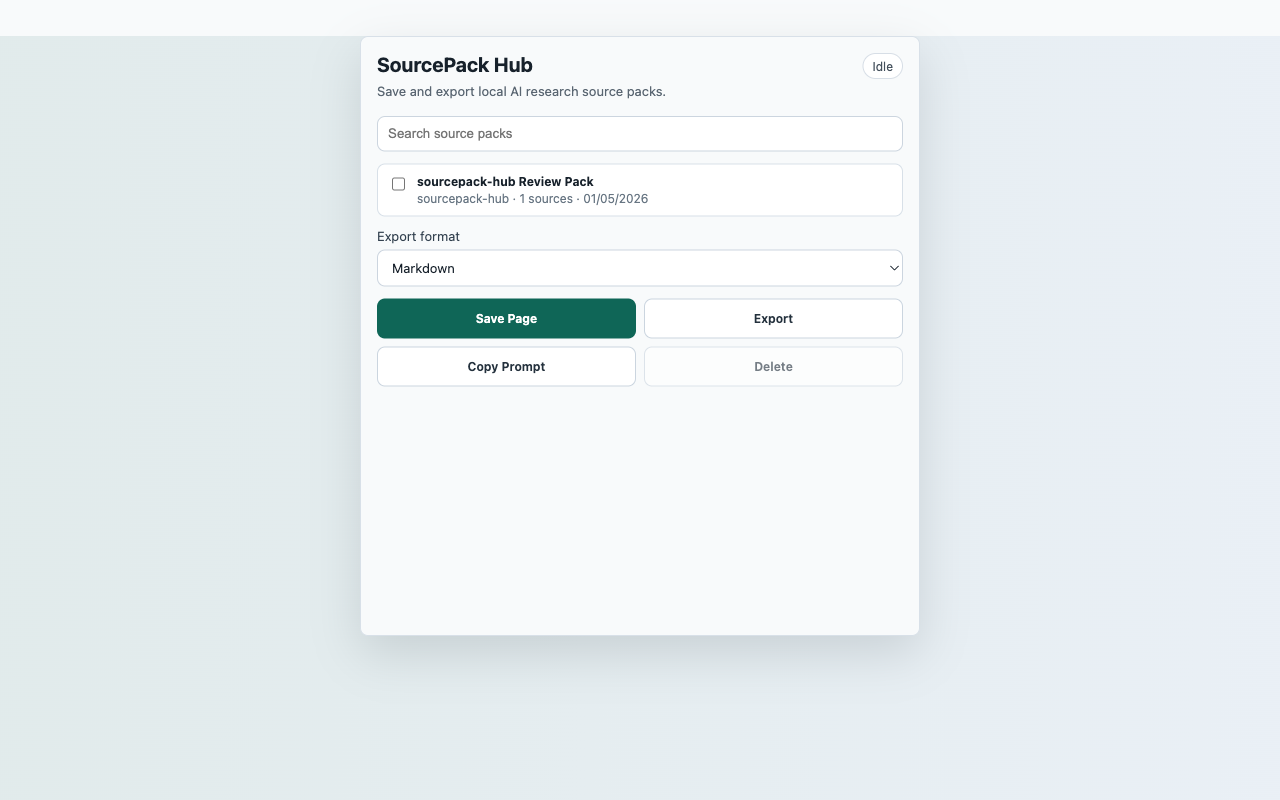 SourcePack Hub
Save and export local AI research source packs from the current page.
Workflow & Planning
SourcePack Hub
Save and export local AI research source packs from the current page.
Workflow & Planning
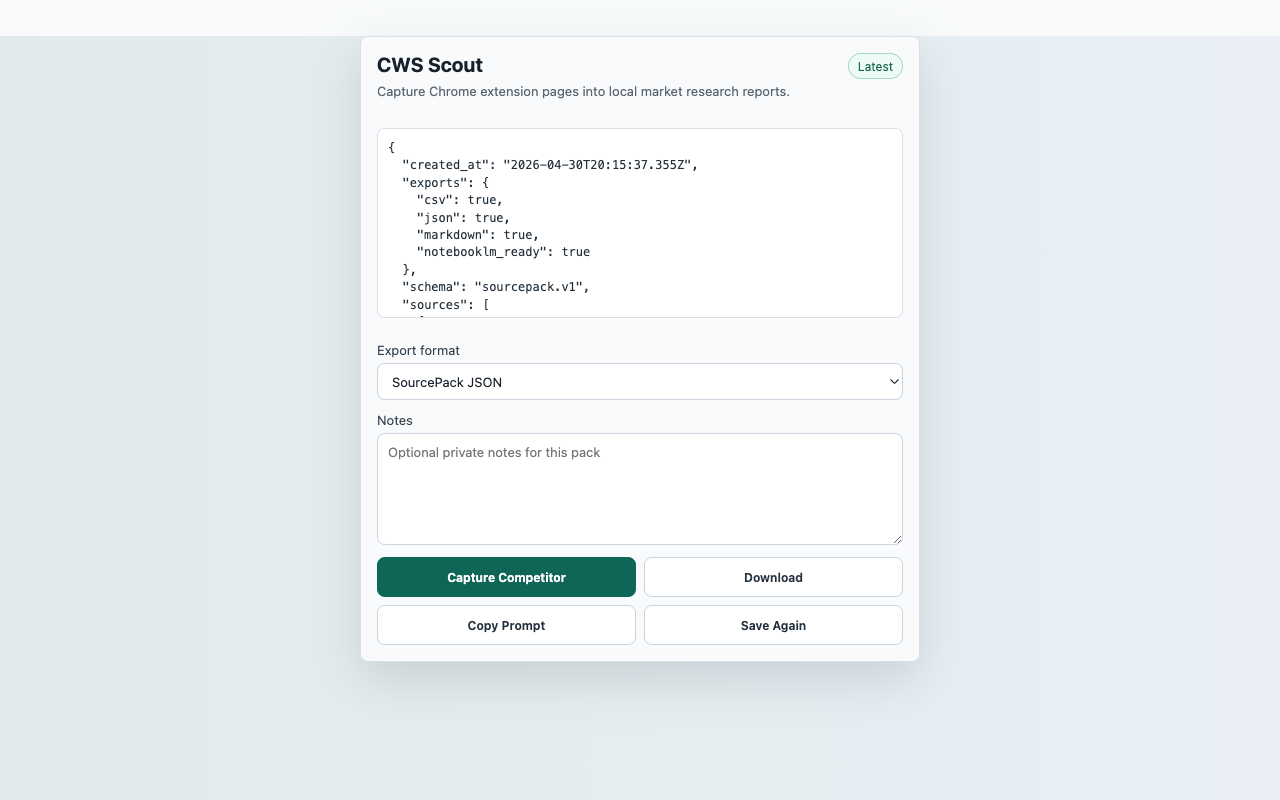 CWS Scout
Capture visible Chrome-Stats pages into local competitor research reports.
Tools
CWS Scout
Capture visible Chrome-Stats pages into local competitor research reports.
Tools
Review posture
Built around user-triggered capture and local exports
Every extension uses Manifest V3, avoids remote code, requires a user action before capture, and documents exactly which visible page data is handled. Published tools link directly to their Chrome Web Store listing from the product page.
MV3 onlyAll launch manifests use Manifest V3 and packaged code.
Narrow permissionsNo <all_urls>, tabs, debugger, hidden analytics, or background browsing collection.
Local-firstCaptured content stays in Chrome local storage unless the user exports a file.
Reviewer evidenceEach product page links to a reproducible test path and real screenshot.