Developer Tools
Repo2Agent
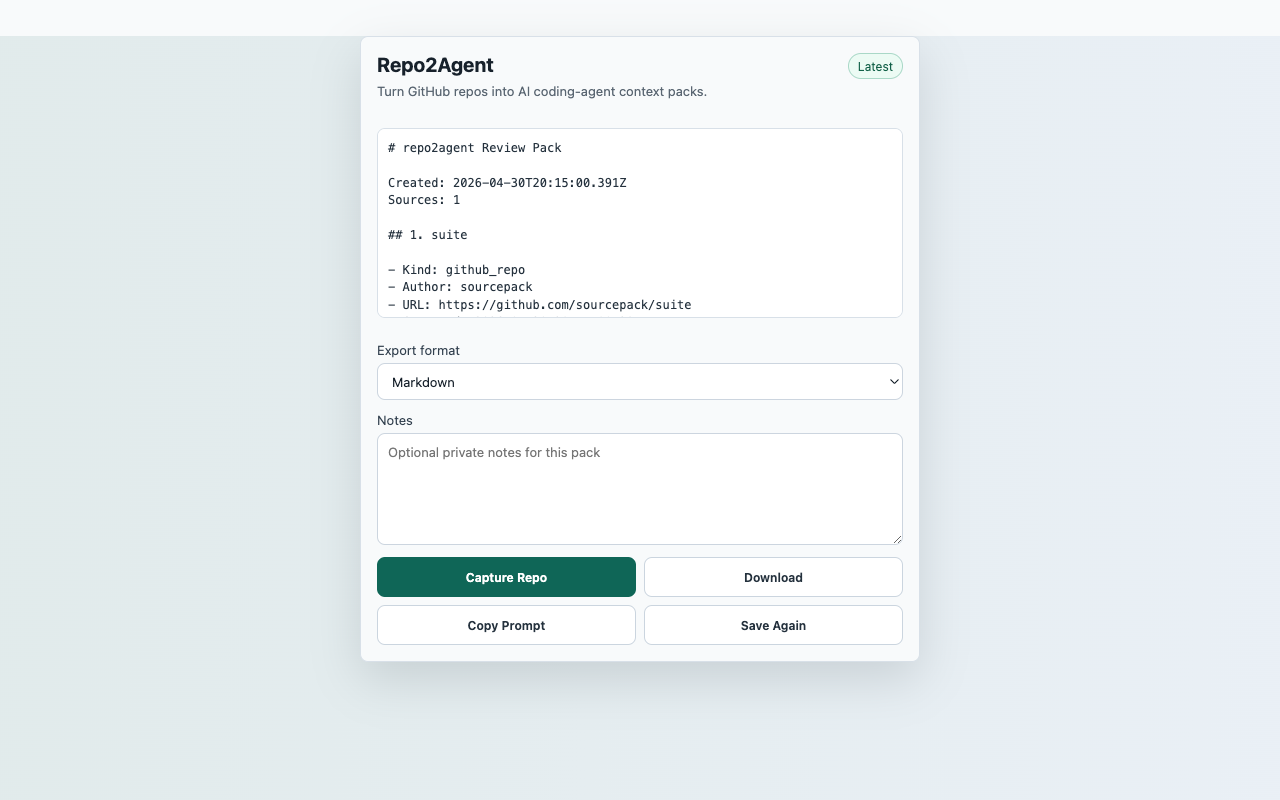
Package visible GitHub repository context for coding-agent prompts and local exports after a user click.
InputCurrent GitHub repository page
ActionCapture Repo
FilesMarkdown, JSON SourcePack, CSV source index, citation prompt
PermissionactiveTab, storage, contextMenus, downloads, scripting; no persistent host permissions
StorageRecent captures in chrome.storage.local
ReviewerOpen reproducible guide
Captured content stays local unless the user downloads an export.
Core flow
Capture Repo to local export
- Open a public GitHub repository page.
- Click the extension action, then choose Capture Repo.
- Review repository metadata, README text, and visible file-tree context.
- Download Markdown or SourcePack JSON for coding-agent context.
Capture surfaceCurrent GitHub repository page
Suggested smoke targetSuggested smoke target: https://github.com/octocat/Hello-World or another public GitHub repository page.
Primary actionCapture Repo
ExportsMarkdown, JSON SourcePack, CSV source index, citation prompt
StorageRecent captures in chrome.storage.local
PermissionsactiveTab, storage, contextMenus, downloads, scripting; no persistent host permissions
Scope
What ships in this build
Included
- Captures visible repository title, URL, description, README, and file entries.
- Generates a local coding-agent context pack without a GitHub token.
- Includes a citation-focused prompt for downstream AI tools.
- Keeps the launch scope distinct from broad GitHub UI enhancement extensions.
Limits
- Only visible page content is captured; it does not clone repositories.
- Private repositories require the user to already have access in the browser.
- No GitHub API token or remote indexing service is used.
- Repo2Agent is not affiliated with GitHub.